What are chapters?
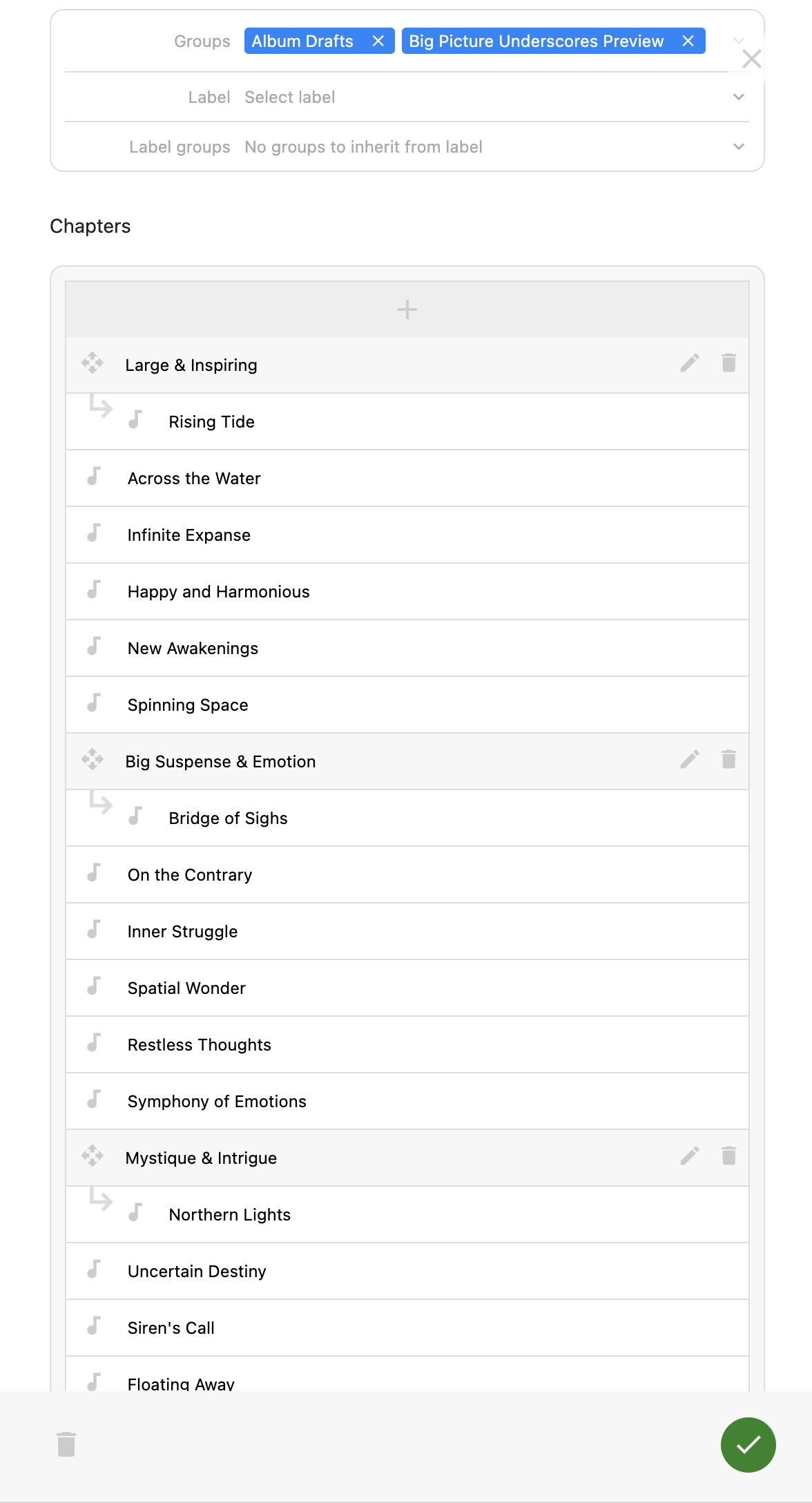
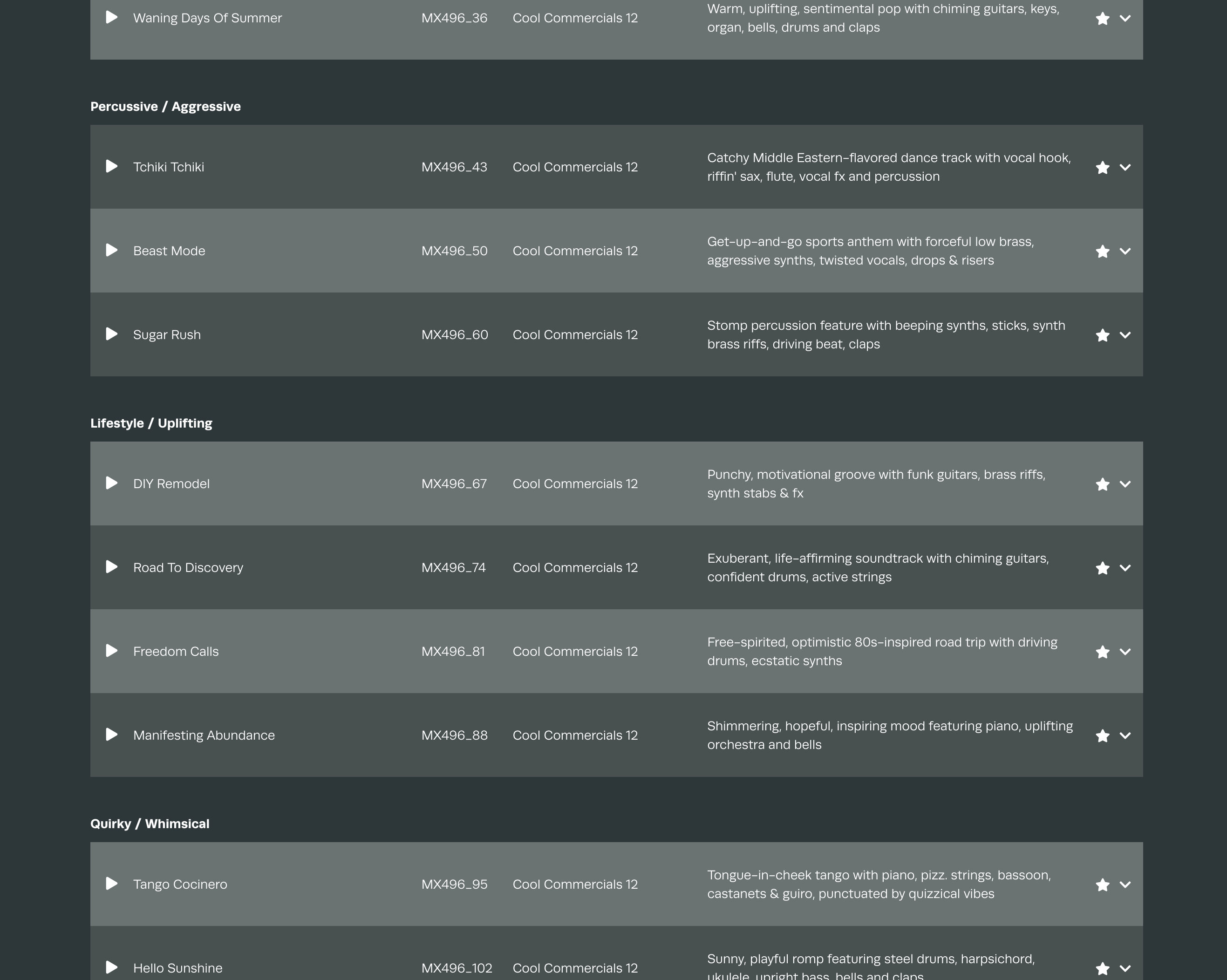
Lists of tracks on releases, playlists, projects and pitches can be subgrouped using chapters. These appear as sections of a collection and can be styled to suit your aesthetic.
Add a chapter
- In the admin, find the collection that you wish to add chapters to
- Click the edit pencil to enter the edit mode
- Scroll down to the chapters section within the collection (shown below)
- The “+” button will add a new chapter that can be named and then dragged into position between the desired tracks
- Repeat until all of the chapters have been added and finally save your collection