
Why a user can’t log in
When a user is unable to log into their account, the likely reasons are…
-
Wrong username
-
Wrong password
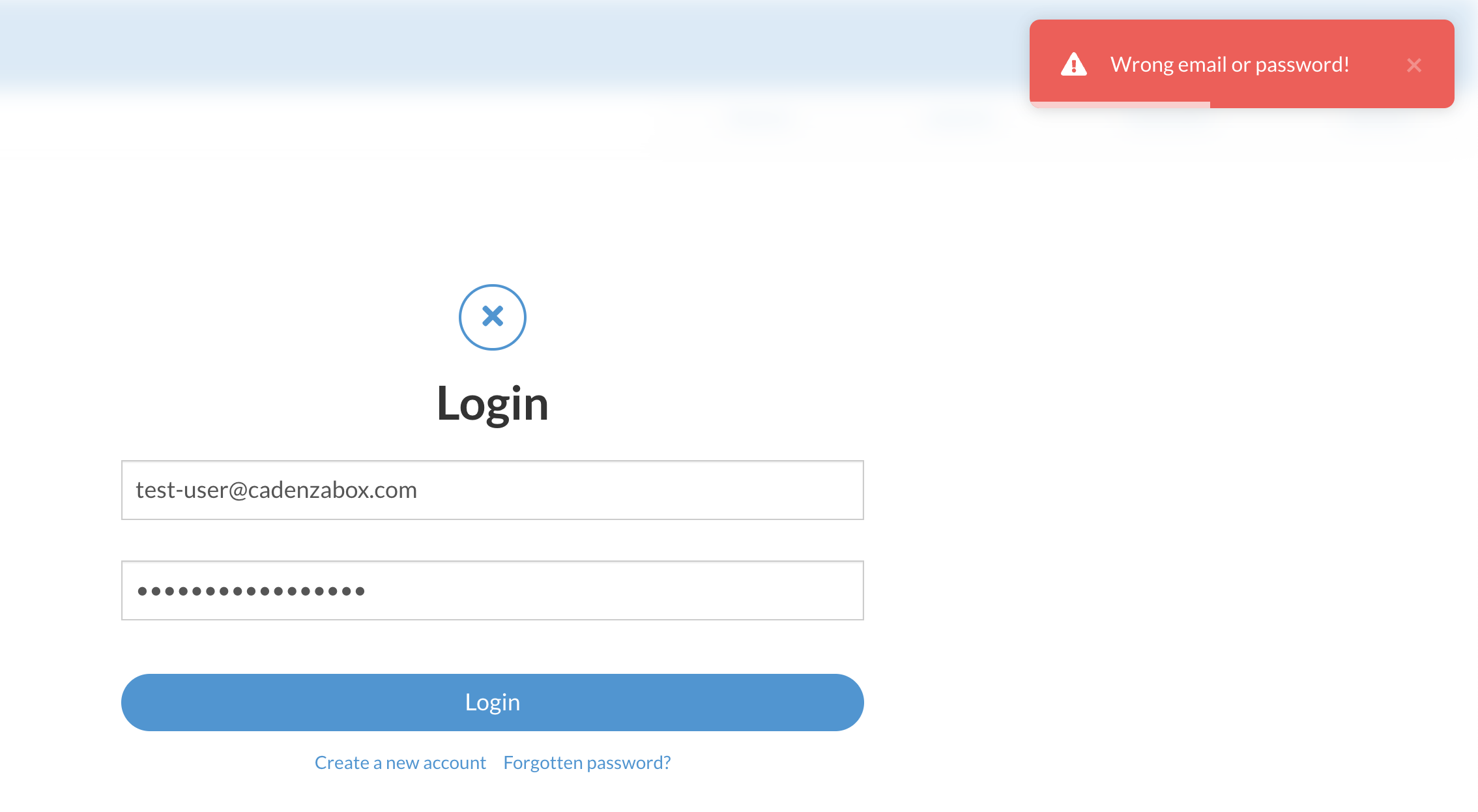
-
The user has signed up, but has not verified their account
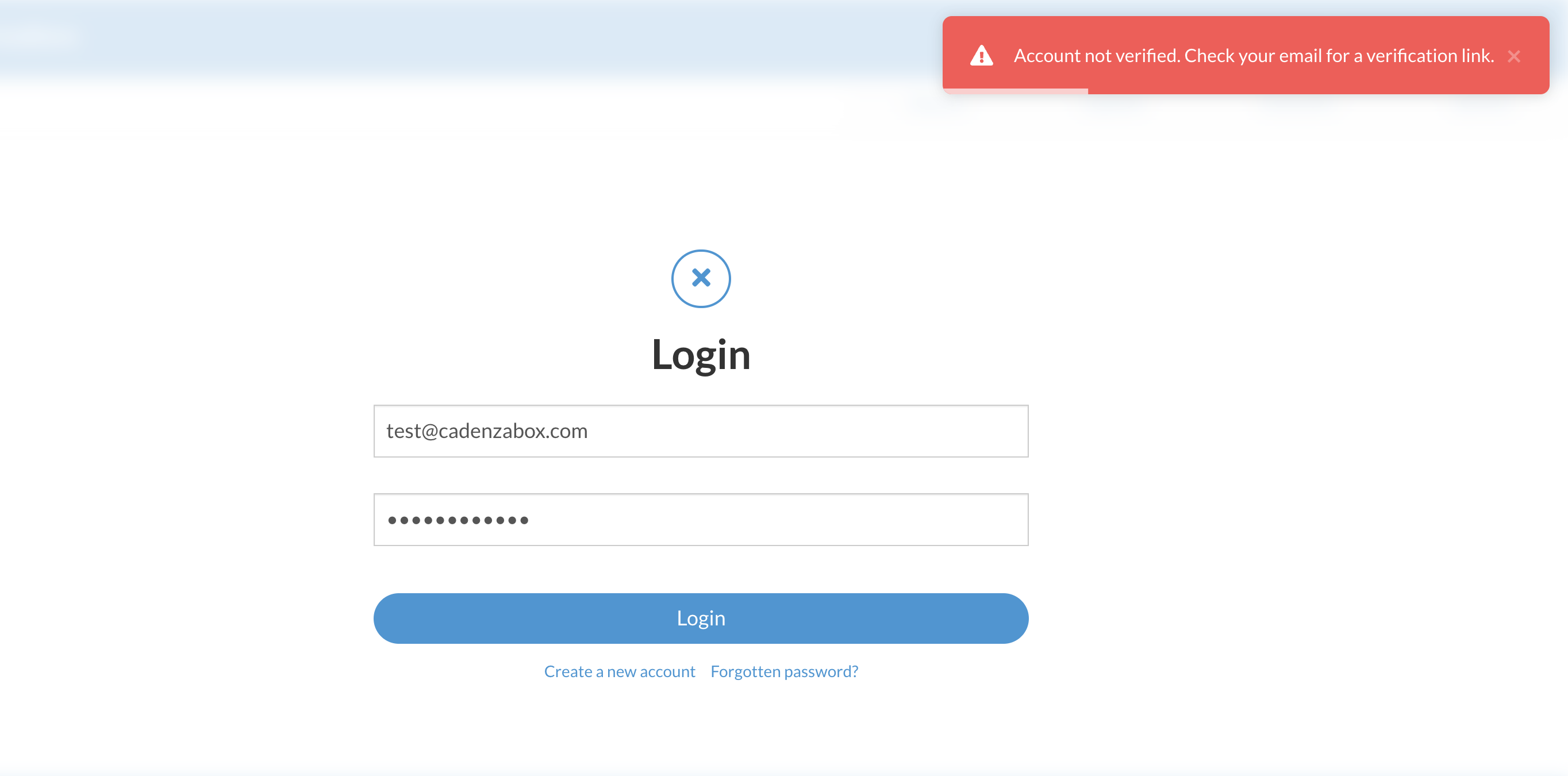
-
The user has signed up and verified their account, but their user is yet to be approved
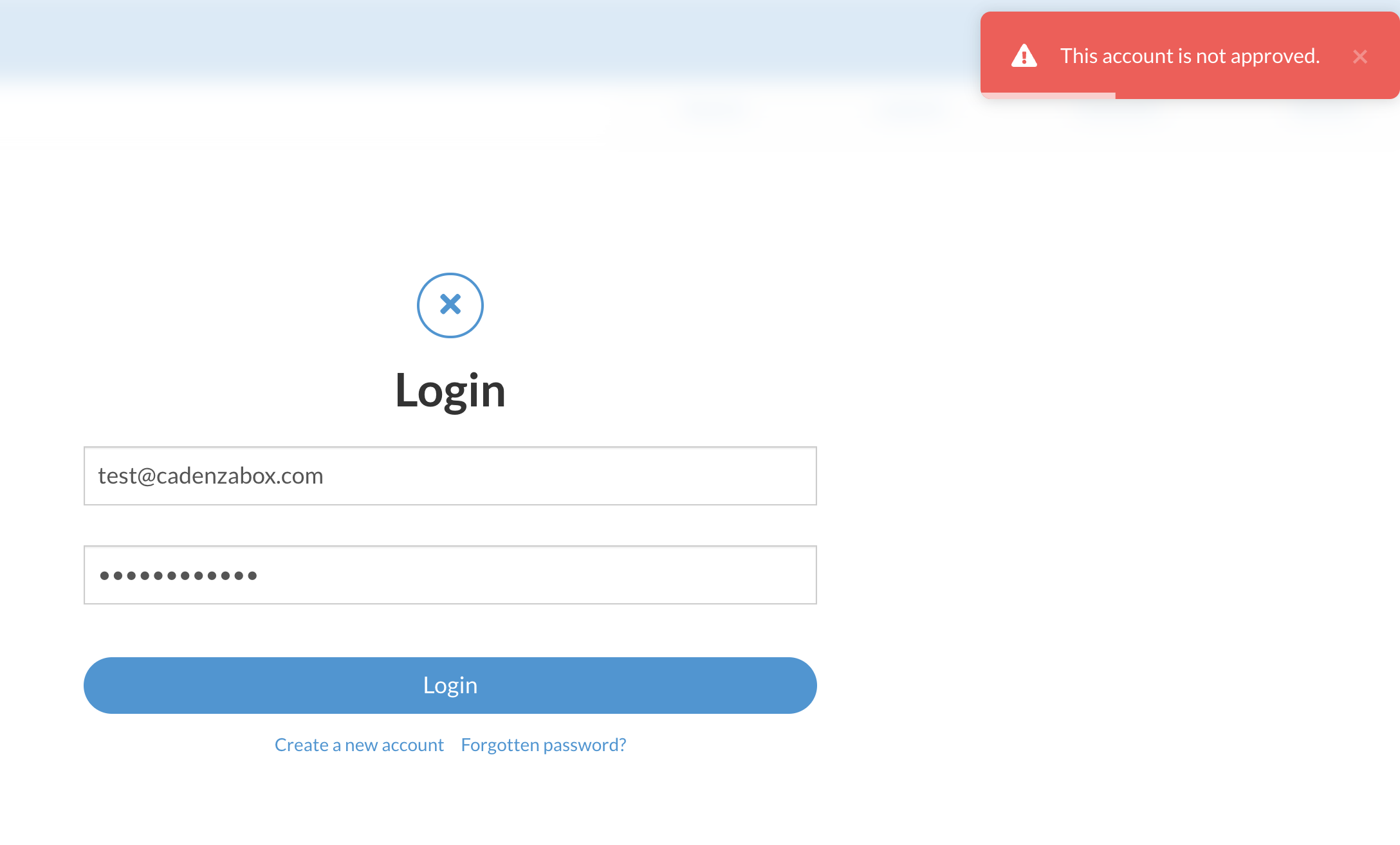
If it’s none of the above and a password reset has been done, then there may be another issue. Contact [email protected] with details of the user and a description of the issue.
User reset their own password
A user is able to reset their own password by clicking Forgotten password? on the login page. They enter their email address and, if it belongs to a valid user, are sent an email with a reset link.
Reset user password via admin
There may be cases where the user cannot or is unable to reset their password (such as if their account is locked), to reset the password of a user from within the admin…
- Log into admin
- Navigate to Clients > Users
- Search for the user’s email address (which should appear as an autocomplete suggestion)
- Click on the pencil icon for that user
- In the user’s details, click Generate next to the password field, or type a new password yourself (keeping to the required characters)
- Save the user
The user’s password has now been changed. Contact the client with the new login details.