
What is SEO?
SEO stands for search engine optimisation. It aims to increase your site’s visibility when people search for your products or services in Google, Bing, and other search engines.
The better visibility your pages have in search results, the more likely you are to garner attention and attract prospective clients.
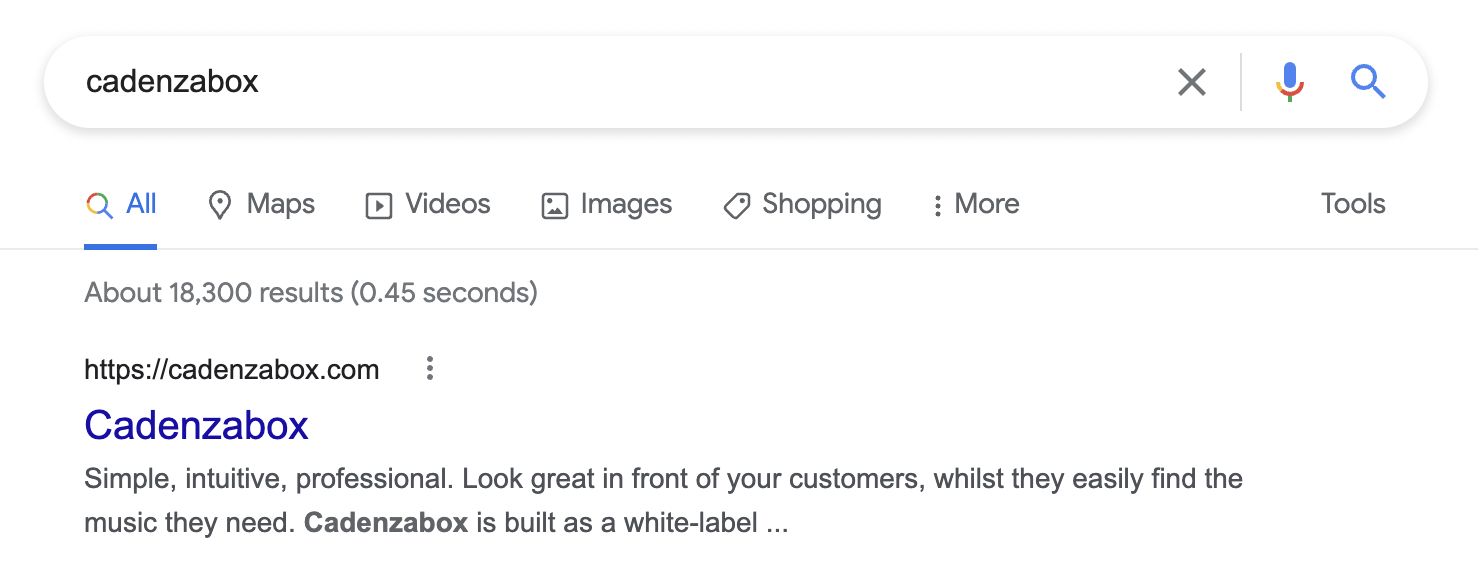
With Cadenzabox pages and posts, you can customise the title and description to tailor how your page appears when seen in a web search result.
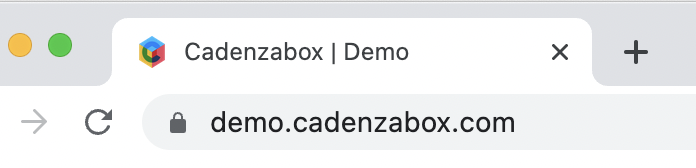
The SEO title will also override the default browser tab title.
Pages
To add SEO titles and descriptions to pages:
- Log in to the admin
- Navigate to Content > Pages
- Locate the page whose SEO title and description you want to add or amend
- Click on the edit pencil icon
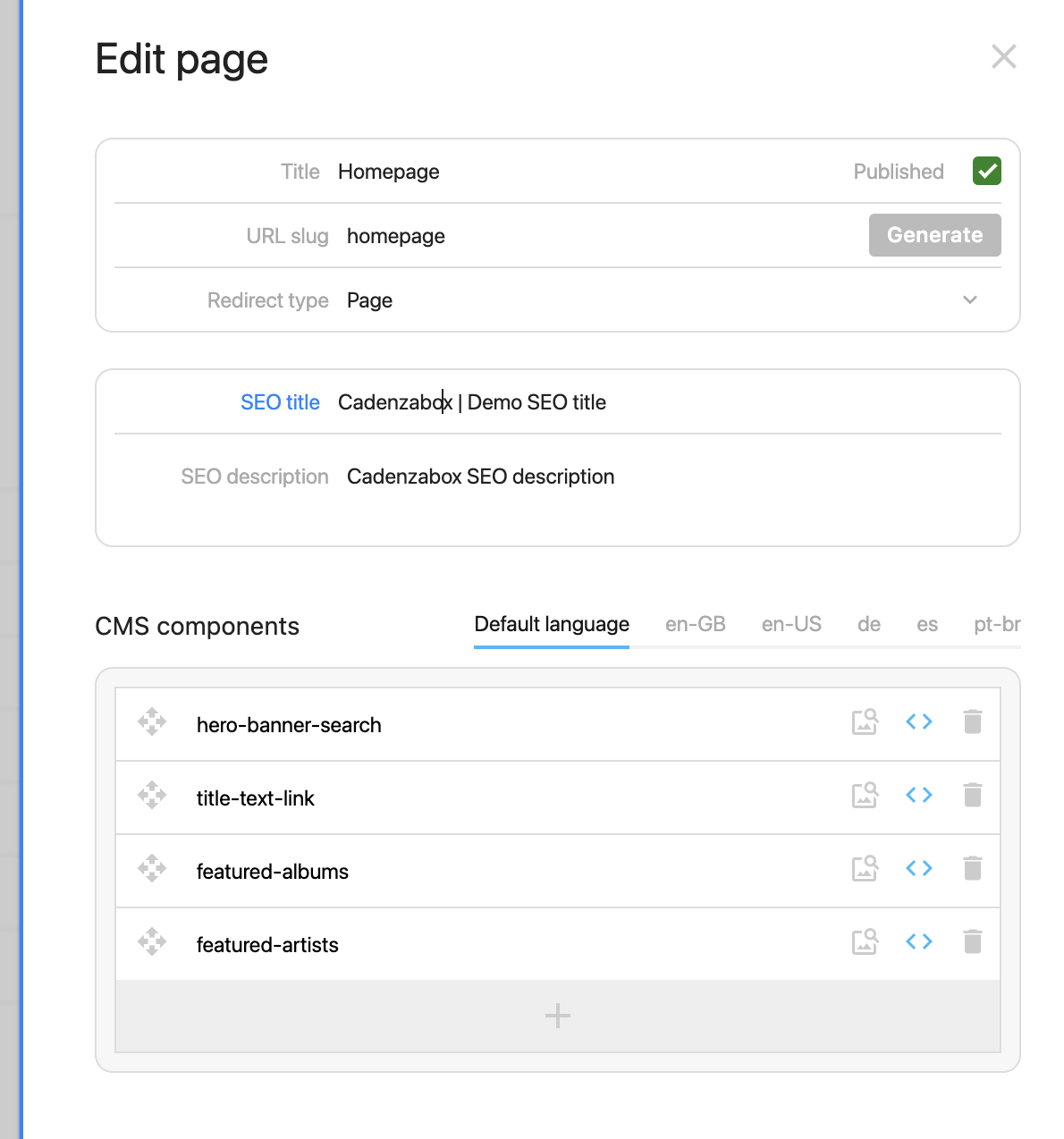
- Fill in SEO title, SEO description and optionally SEO keywords. The Google Preview shows how the result will look
- Save the page
Warning
Do not remove any CMS components from this section as it will result in the loss of page sections and data.
Posts (blog / news)
To add SEO titles and descriptions to news or blog posts:
- Navigate to Content > Posts
- Locate the post you wish to edit
- Add the SEO title and description you want
Static pages (tracks, albums, playlists, labels, subscribe)
Some pages are part of your catalog search interface and as such are not managed via the content management system. A good example is the /tracks page, which simply offers an overview of the catalog to browse.
To add SEO titles and descriptions to static pages:
- Navigate to Content > Static pages SEO
- Choose the tab for the page you wish to edit: General (site wide defaults), Tracks, Albums, Playlists, Labels or Subscribe
- Fill in the SEO title, SEO description and SEO keywords. The General tab also takes a search engine Verification key and a Featured image used when pages are shared
- Save