Why an account has been locked
If a user has attempted and failed to log in (wrong password/email) 10 times in a 24 hour period, their account is locked.
This is done for security purposes to stop brute force attacks which are attempts to discover a password by systematically trying every possible combination of letters, numbers, and symbols until the correct one is found.
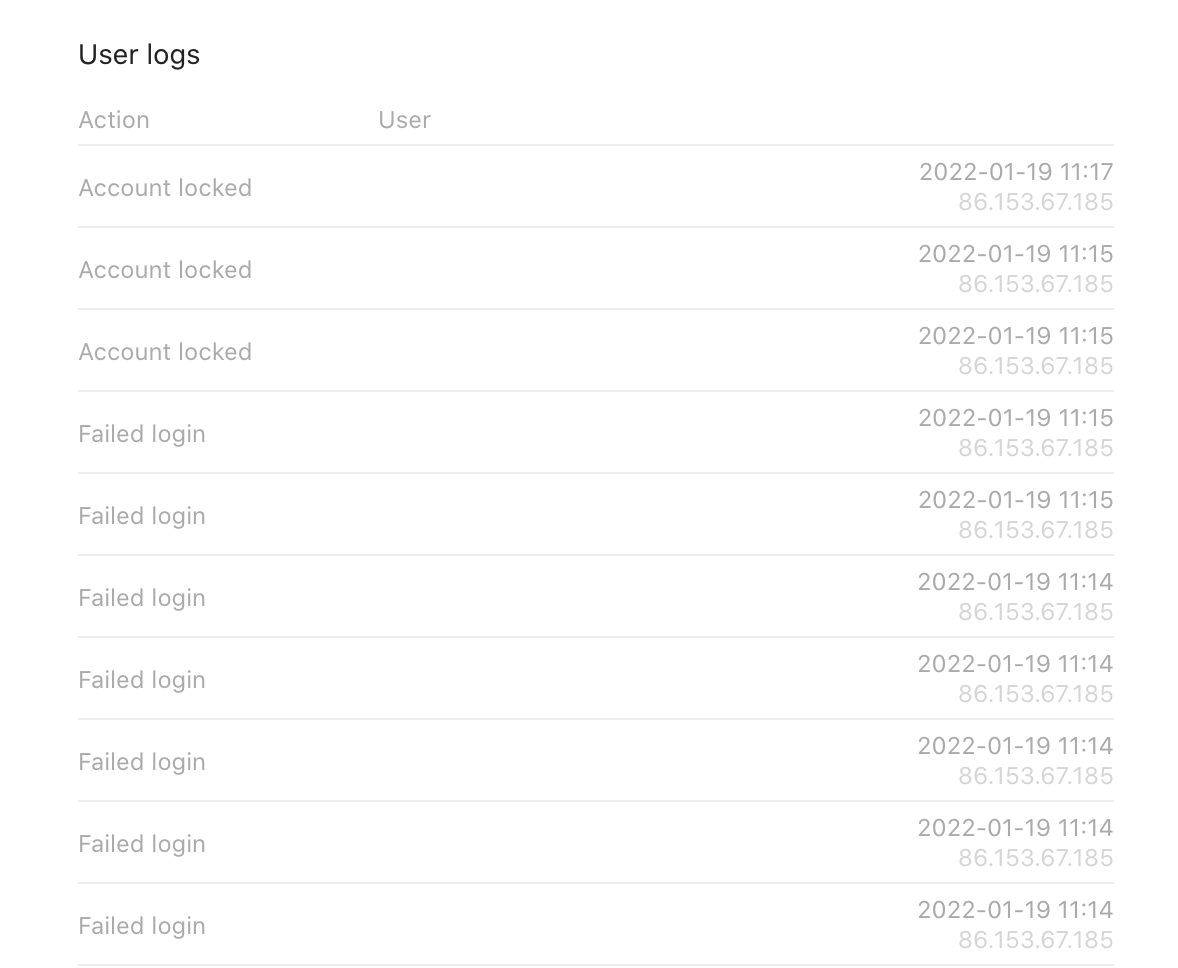
![[Screenshot_2022-01-19_at_11.17.14.png|The user [email protected] has attempted to log in 10+ times and failed, their account is locked and they are no longer able to log in until an admin has unlocked their account first.]]
Unlock an account
- Log into admin
- Navigate to Clients > Users
- Search for the user’s email address (which should appear as an autocomplete suggestion)
- Click on the pencil icon for that user
- In the user’s details you’ll see the number 10 under Login attempts
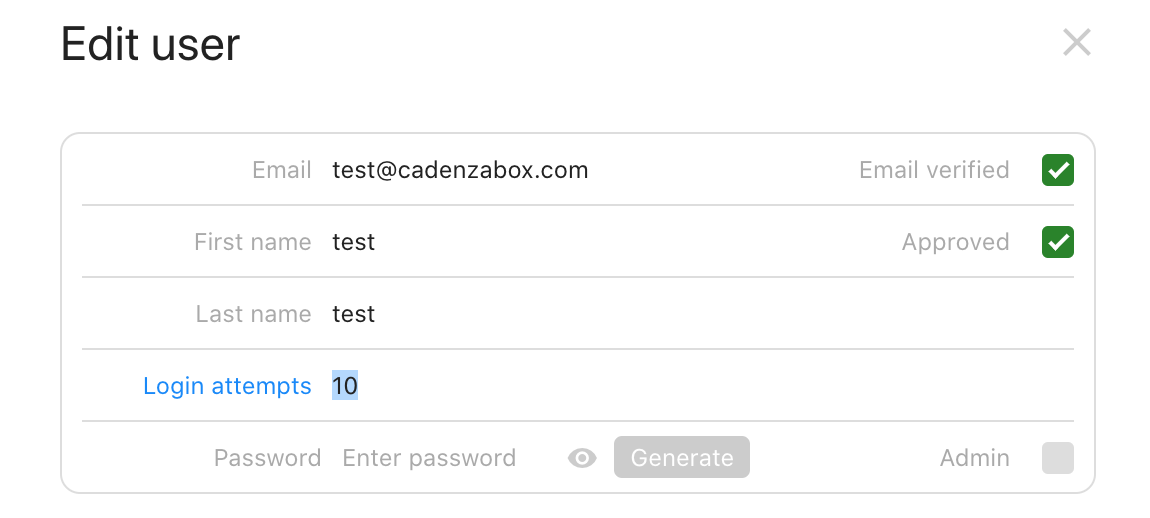
- Change that number back to zero
- Save the user
- The user can now attempt to log back in (you may want to contact the user that their account is now unlocked)
You may also want to reset the user’s password (see Reset a user’s password) or advise the user to reset the password themselves.
User logs
In the user’s details, under User logs, there are details of recent user actions which can be reviewed to check whether the account locking was caused by the user or a brute force attack…